Azeroth Survivors Cheats: Codes And Safe Progress
Updated 2026-11-07
Version original browser game; facts from the public sources below, checked 2026-11-07
Azeroth Survivors cheats are not a supported way to unlock gold or skip progression. The game has no documented code entry box, cheat menu, or player console command. You can still use standard slash commands where available, and steady runs, boss kills, achievements, and class talents provide ways to build progress.
Does Azeroth Survivors Have Cheats?
There is no supported cheat menu or code entry box in Azeroth Survivors. The codes guide says the current menu has no line that opens a console, and it reports that this version has no code redemption screen. That means there is no in game place to enter a redeemable code for rewards or to switch on cheats.
The standard slash commands described in the console guide are ordinary chat and logging tools. They do not grant infinite gold or bypass progression. A note about an archived build says its slash command table is empty, so command availability can depend on which version you are playing.
If you are looking for a shortcut, it helps to separate a command from a cheat. The available command information describes /combatlog and basic chat commands, while the progression systems reward play over time. For a quick overview of the controls and a run, see how to play.
Treat claims about secret codes cautiously: there is no supported entry point documented for them. The practical Azeroth Survivors cheats answer is that there is no normal code redemption or player console route to enable a cheat.
Which Commands Can You Type In The Game?
The command guide lists /combatlog and basic chat commands as standard slash commands. These are the only kinds of commands described here, so do not expect a typed phrase to spawn gold, remove a difficulty challenge, or jump ahead in progression. Standard commands provide chat or logging functions rather than character power.
The details also depend on the build. The codes guide reports that the current menu has no line that opens a console, and the archived build note says its slash command table is empty. Those points explain why a slash command listed in a guide may not be accessible through a console in every copy.
If chat is available, use the documented basic chat commands for chat and /combatlog for combat logging. The available information does not provide a complete list of chat phrases or describe extra command effects, so there is no reason to guess at hidden syntax. A command guide is not a list of cheat codes.
For build and ability choices, the talents guide and class guides are more useful references than experimenting with made up commands. They point toward normal ways to shape a run while keeping the command system in its documented role.
What Happens If You Edit A Save With Azeroth Survivors Cheats?
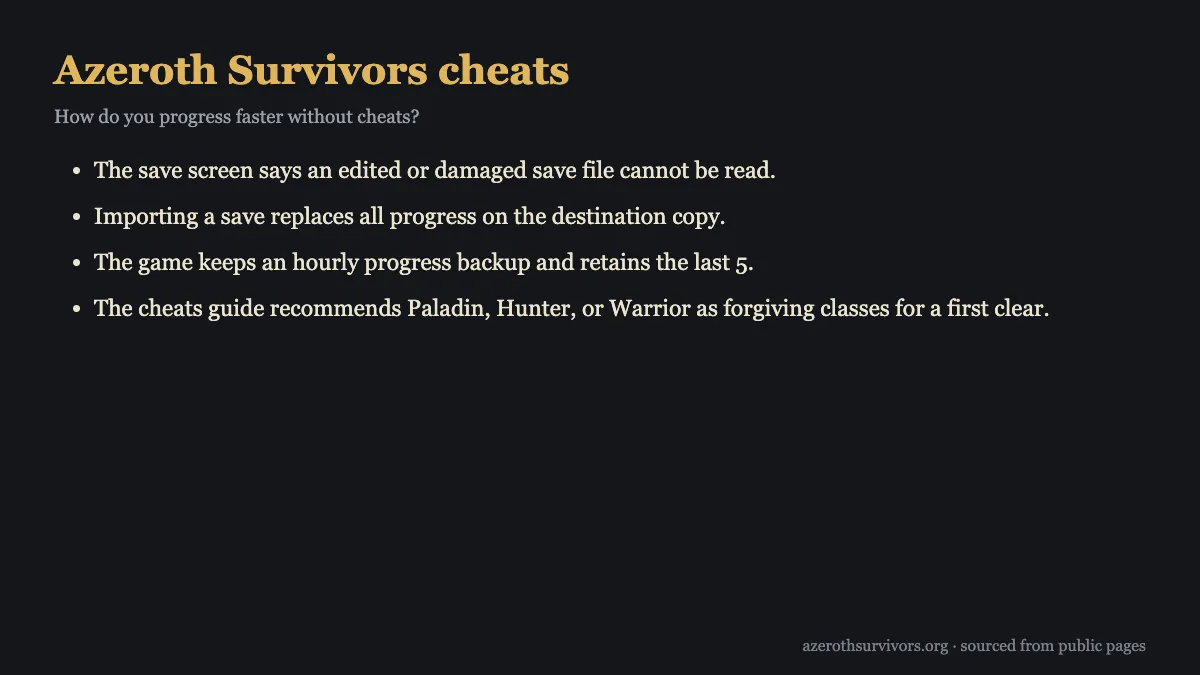
The game checks saves with a checksum. The save guide says a damaged or edited save is rejected, and the save screen says an edited or damaged file cannot be read. Changing a file is therefore not a reliable way to grant yourself progress; it can leave that copy unable to load the save.
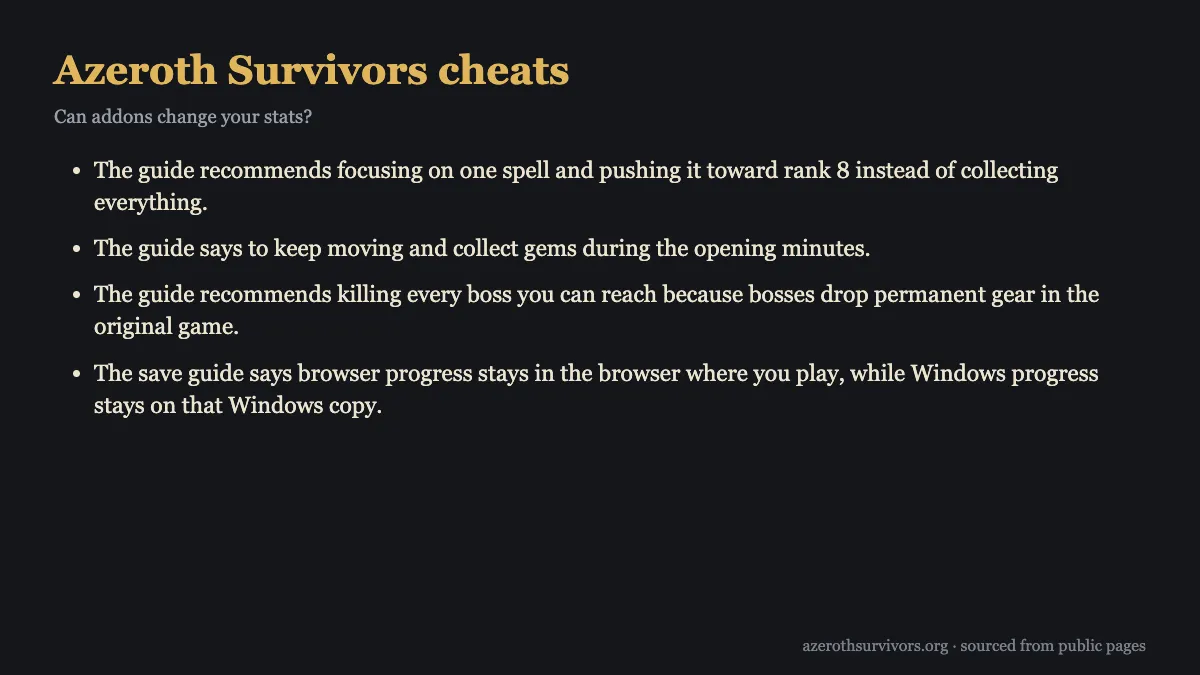
Progress also stays with the copy where you play. Browser progress remains in that browser, while Windows progress remains on that Windows copy. If you import a save, it replaces all progress on the destination copy, so check which copy you are importing into before proceeding.
There is an hourly progress backup, and the game retains the last 5. That provides a recovery point for progress, but it does not make an edited file valid or turn save editing into a supported cheat. Keep your normal save intact and use the in game progression systems to earn upgrades.
For a legitimate transfer, use the save import process with care because of the replacement behavior. For help with problems loading or starting the game, the troubleshooting guide is a sensible next stop. Azeroth Survivors cheats based on editing the save are especially risky because the game rejects edited or damaged files.
Can Addons Change Your Stats?
Addon scripts are restricted, and their API cannot modify combat numbers. That means an addon cannot be used to raise damage or other combat stats through the supported addon system. Addons can provide their intended functions within those restrictions, but they do not offer a stat cheat.
This limit is useful to keep in mind when choosing an addon: it cannot replace a build choice or change the combat numbers your character uses. The addons guide is the place to look for information about addon use. For character planning, use the class and talent options that the game provides.
A practical progression setup comes from your choices during a run and from permanent rewards earned through play. Your starting attack and spell selections can shape how quickly you handle enemies, while talents and gear give you longer term goals. Addons cannot modify combat numbers to skip those systems.
If an addon claims to change your combat stats, that claim does not match the documented addon restrictions. Keep your expectations to the supported API: addon scripts are restricted, and the API cannot change combat numbers. Azeroth Survivors cheats through addons are not a supported route to stronger stats.
How Do You Progress Faster Without Cheats?
Every run awards permanent talent points for its class, even if you die after 2 minutes. Runs also award talent experience based on time survived, kills, bosses, wins, and harder zones. That makes a short attempt useful: keep playing and each run contributes something toward future strength.
Achievements earn points you can spend on perks, companions, and tabards. Each boss kill rolls 60% per gear piece, and bosses drop permanent gear in the original game, so kill every boss you can reach. Heroic difficulty makes a zone harder in exchange for more marks, boss loot, and talent experience; beating a Heroic tier opens the next level for every class.
During a run, keep moving and collect gems in the opening minutes. Take an area spell early, or upgrade your starting attack if none is offered. Focus on one spell and push it toward rank 8 instead of collecting everything. Opening Hand gives four cards at the first level up of every run, and Second Thoughts adds free rerolls, with ranks granting one, two, then three.
For a first clear, Paladin, Hunter, or Warrior are forgiving choices. Lower the difficulty in Run Options before starting if you want a gentler attempt. Runs award talent experience and respecs are free, so try class choices and adjust your setup. Recorded class builds can also guide progression; browse the Hunter build or Paladin build as starting points.
Azeroth Survivors Cheats FAQ
Does Azeroth Survivors have cheat codes?
There is no documented code entry box, cheat menu, or player console command. The current menu also has no code redemption screen.
Can I type commands to get infinite gold?
No. The standard slash commands include /combatlog and basic chat commands, and they do not grant infinite gold or bypass progression.
Will an edited save give me more progress?
The game checks saves with a checksum and rejects damaged or edited files. Importing a save also replaces all progress on the destination copy.
Can an addon raise my damage?
Addon scripts are restricted, and their API cannot modify combat numbers. Use the game's builds, talents, and normal progression to shape your character.
What is the quickest way to progress without Azeroth Survivors cheats?
Keep completing runs because every run awards class talent points, even after an early death. Collect gems, focus your spell upgrades, and kill reachable bosses for permanent gear.