Azeroth Survivors Multiplayer: Playing Together
Updated 2026-11-07
Version original browser game; facts from the public sources below, checked 2026-11-07
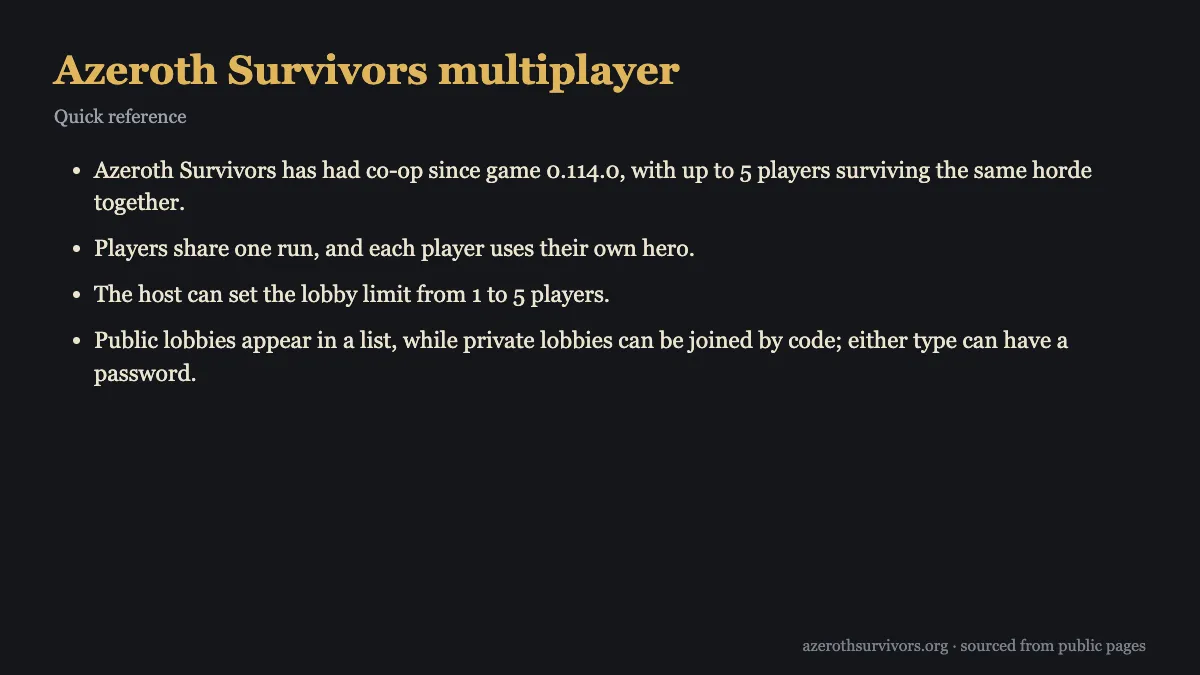
Yes, Azeroth Survivors multiplayer lets up to five players survive the same horde in one shared run. Each player brings their own hero, while the host picks the zone and starts the party together. Co-op has been available since its first co-op update and runs through the browser game at wow.aethus.pl.
Does Azeroth Survivors multiplayer support co-op?
Azeroth Survivors multiplayer is built around one shared run: everyone fights the same horde, but each player uses their own hero. The host sets the lobby limit anywhere from one to five players. A run needs at least two players, including the host, so a solo lobby cannot begin as co-op.
You can make the group public or private. Public rooms appear in a list for players using the same game version; private rooms are joined by lobby code. Either kind of room can also have a password. This gives a group a choice between finding a room in the list and sharing access directly with friends.
The host chooses the zone for the whole party. Guests use the hero on their own picker, but their selected class must have unlocked the host's zone. If you are still deciding which hero to bring, browse the class guide or compare options in the tier list before joining.
The setup keeps the party together from the lobby into the run. Players join first, then enter the selected zone together when the host starts. For zone details before you choose, see the zones guide or the page for Naxxramas.
How do you host a co-op lobby?
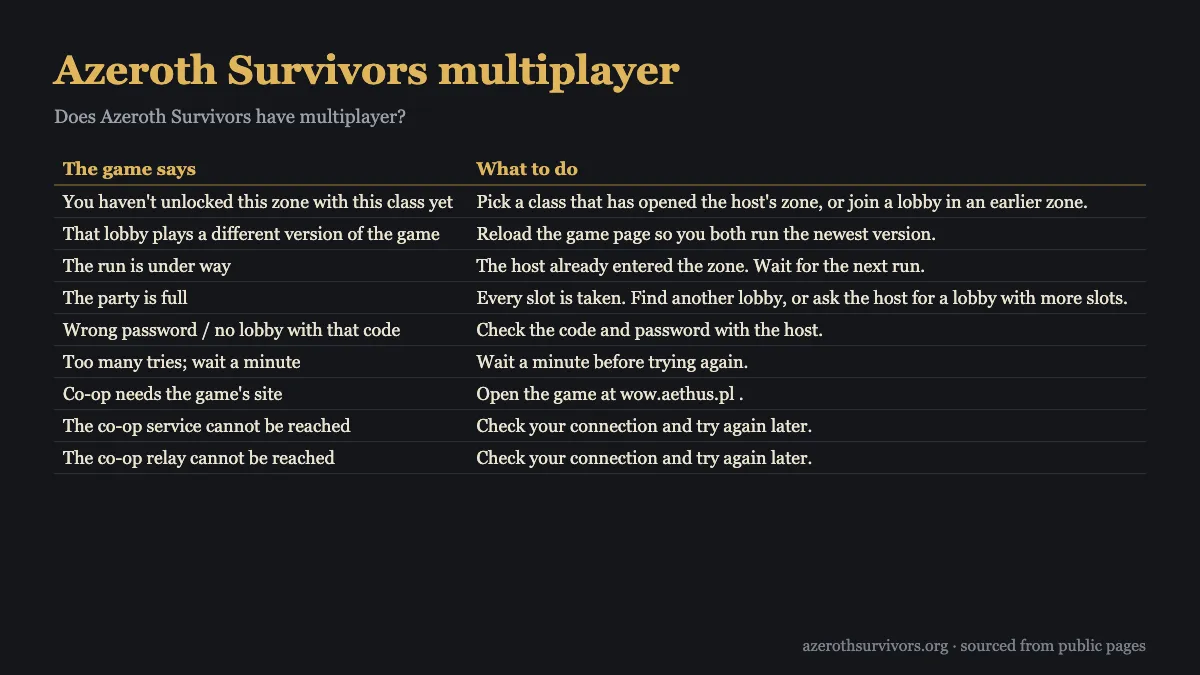
Start on the main screen and select the hero and zone you want to use. The lobby takes both choices from that screen, and the host decides where the party will play. After choosing them, open Co-op beside the zone entry button and select Host.
Give the lobby a name so players can recognize it. You can also add a description if you want to explain the room. Then choose whether it should be public in the lobby list or private by code. Add a password if you want either type of lobby to require one.
Once the lobby is created, share its code with the people you want to invite. For a public room, players can look for it in the list instead. Wait for the group to join before starting; the party enters the host's selected zone together. A co-op run requires at least two players, so make sure another player is in the lobby.
The Ready Check gives party members a chance to choose Ready or Not ready before the run begins. Use that moment to make sure everyone is set. If someone still needs to join, keep the lobby open until they arrive; the host controls when the party moves into the zone.
For Azeroth Survivors multiplayer, hosting also means guiding the run's transitions. If the party wins, the host chooses whether to continue in endless mode or return to the lobby, and the party follows that choice. If the host leaves or closes the party, the session ends for everyone.
How do you join Azeroth Survivors multiplayer and use filters?
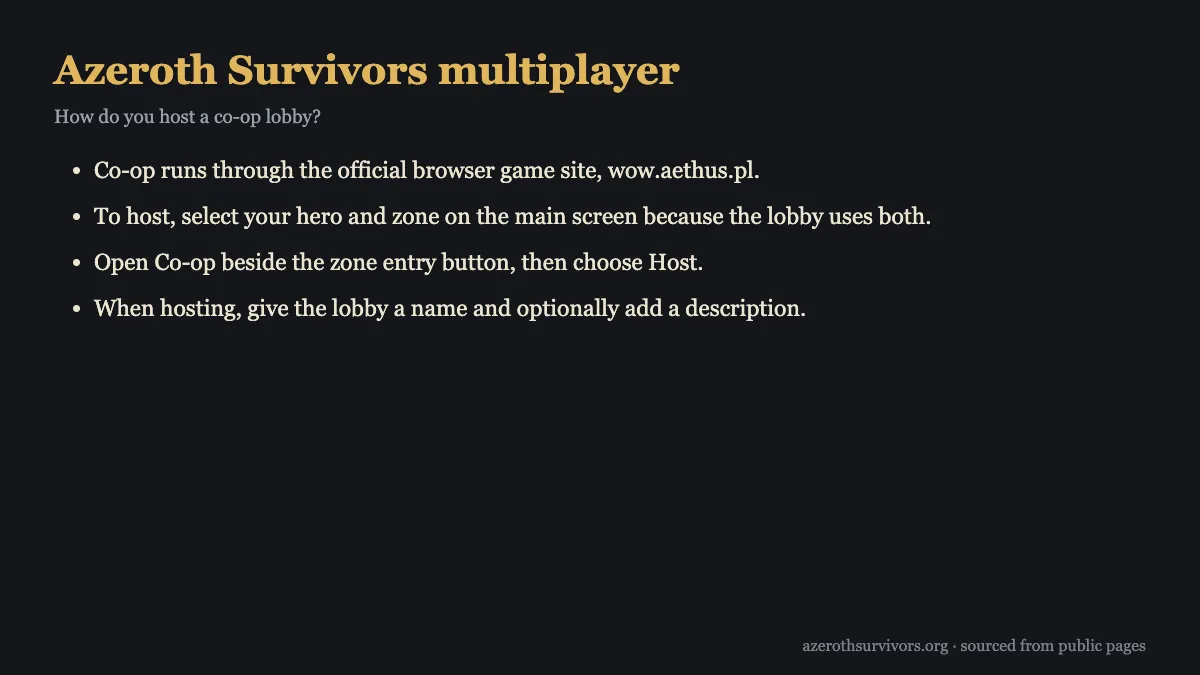
To find a public room in Azeroth Survivors multiplayer, open the lobby list and look for a match on your game version. Public listings can be narrowed by zone, password status, and whether your selected hero has unlocked the zone. The Unlocked zones filter only shows rooms for zones unlocked by the hero currently selected on your picker.
The list may show how many rooms match your filters, such as “3 of 8 shown”. That count describes the results currently displayed. Filters change which rooms appear, but they do not change the requirements for joining: your chosen class still needs to have unlocked the host's zone, and you must enter the password if the room has one.
To join a private room, open Join by code and enter the lobby code. Provide the password too if the host set one. When the host starts, you enter the host's zone using the hero on your picker. The host chooses the zone, so joining does not switch the party to a zone selected by a guest.
If you cannot find a room, check the selected zone and the Unlocked zones setting before assuming there are no public lobbies. A filter can hide rooms that do not fit its choices. You can also clear the password filter or select a hero that has unlocked the zone you want to join.
For hero planning, the class pages cover individual options, including Mage and Druid. Pick the hero you intend to use before checking the zone filter, since that filter follows the currently selected hero.
What changes when you play co-op?
The run is shared, and a fall does not immediately remove a player from the party. A downed player stays down until a nearby friend revives them. The game shows progress while the revive is underway, so teammates can see that help is being given and stay close until it finishes.
The damage meter has a Party DPS view, available only while you are in a party. It gives the group a way to view party damage during co-op. Outside a party, that view is not available.
The host also controls the party's next step after a win. They choose endless mode or a return to the lobby, and everyone follows that choice. The group remains tied to the host as well: if the host leaves or closes the party, the party ends for everyone.
There are co-op achievements to work toward. The game lists 17 of them in a version that includes co-op achievements. Better Together rewards Admiral's Hat for completing a first zone with at least one other player. Five of a Kind rewards Bloodsail Admiral's Hat when all five players use the same class in a co-op zone.
Some achievements call for a tougher group run. Raid Night asks the party to beat Heroic III or harder with five players. The Insane requires surviving for 40 minutes or longer in Naxxramas on Heroic V, with at least two other players and no deaths. For more about the zone, see the Naxxramas guide.
What do the join errors mean?
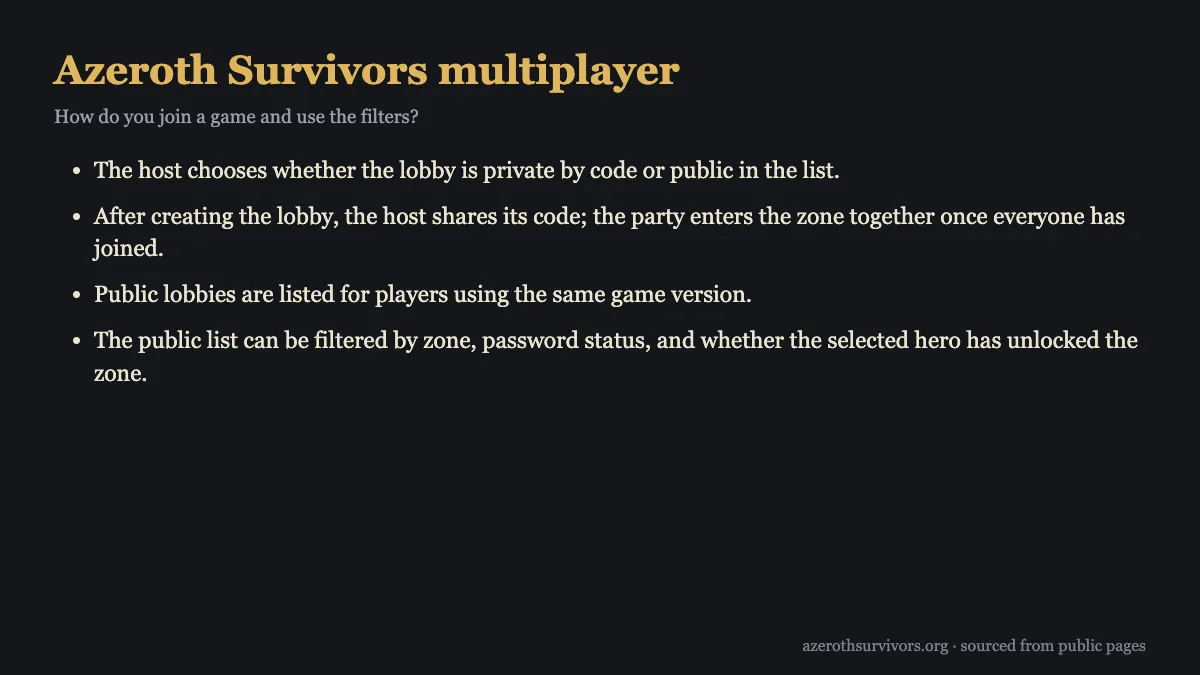
A join message usually points to the next thing to check: the game version, the run status, room capacity, the lobby details, or the connection. The lobby table below pairs common messages with practical steps. Start with the message you see, then ask the host to confirm any room settings you cannot check yourself.
| The game says | What to do |
|---|---|
| You haven't unlocked this zone with this class yet | Pick a class that has opened the host's zone, or join a lobby in an earlier zone. |
| That lobby plays a different version of the game | Reload the game page so you both run the newest version. |
| The run is under way | The host already entered the zone. Wait for the next run. |
| The party is full | Every slot is taken. Find another lobby, or ask the host for a lobby with more slots. |
| Wrong password / no lobby with that code | Check the code and password with the host. |
| Too many tries; wait a minute | Wait a minute before trying again. |
| Co-op needs the game's site | Open the game at wow.aethus.pl . |
| The co-op service cannot be reached | Check your connection and try again later. |
| The co-op relay cannot be reached | Check your connection and try again later. |
A version mismatch can stop a player from joining. Reload the game page and try again so it can use the same game version as the lobby. If the run is already underway, the host has entered the zone; wait for the next run instead of trying to enter mid-run.
If the party is full, every lobby slot is taken. Look for another room or ask the host to open more slots. For a wrong password or a missing lobby code, check both details with the host. After too many attempts, wait a minute before trying again.
A connection problem can prevent the co-op service from responding. Check your connection, then try again later. The message “The co-op relay cannot be reached” was added in a later update; if you see it, the service could not be reached at that moment.
Azeroth Survivors Multiplayer FAQ
Can I play co-op with one other person?
Yes. A run needs at least two players, including the host, and the lobby can hold up to five players.
Why can’t I join a public lobby?
Check that you are using the same game version and that your selected class has unlocked the host’s zone. Filters can hide rooms from the list, but they do not alter the requirements for joining.
Can guests choose the zone?
No, the host chooses the zone for the party. Guests enter that zone with the host, using the hero on their own picker.
What happens if the host leaves?
The party ends for everyone if the host leaves or closes it. After a win, the host also chooses endless mode or a return to the lobby, and the party follows.
Is Azeroth Survivors multiplayer available in every game version?
Co-op has been available since the first co-op update, but a different version can prevent a player from joining Azeroth Survivors multiplayer. Reload the game page and try again; if the run has started, wait for the next one.