Azeroth Survivors Addons: Support And Setup
Updated 2026-11-07
Version original browser game; facts from the public sources below, checked 2026-11-07
Yes, Azeroth Survivors supports community addons, including tools for combat details, interface changes, build planning, and maps. Azeroth Survivors addons can be installed in the browser or on desktop, with different steps for each. Check the author’s instructions for compatibility, installation details, and whether a restart is needed.
Does Azeroth Survivors support Azeroth Survivors addons?
Yes. The game supports community addons built for its interface. These are ordinary WoW 1.12 addons, using Lua and XML and the interface marker ## Interface: 11200. Projects can read information about a run through the addon API, and some can change what you see by hiding the game’s own HUD.
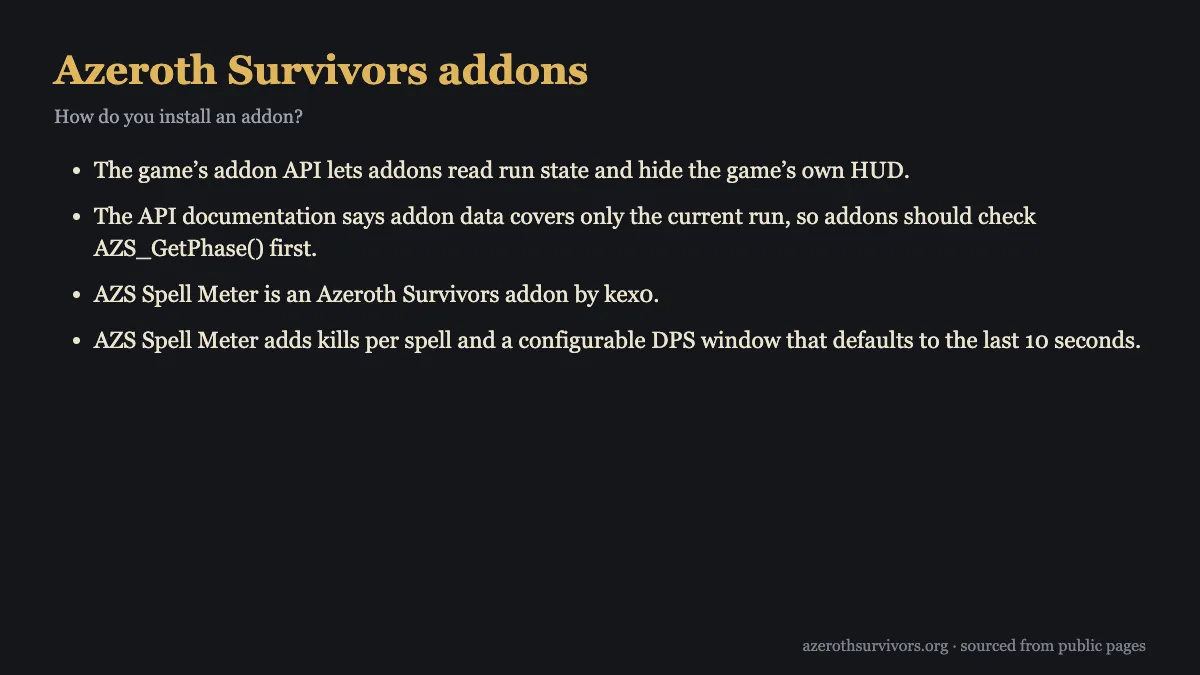
That support gives authors room to make player-facing tools while working with run information. The API documentation says addon data covers only the current run, so an addon should check AZS_GetPhase() first. The game guide says addon functions report run information; they do not change damage, health, gold, or loot.
The directory includes projects for combat meters, HUD changes, build planning, and map helpers. Compatibility varies between projects, so check the author’s instructions for supported versions and platforms before installing. You can also browse the game’s classes and talents guide while deciding which interface details would help your runs.
Which Azeroth Survivors addons exist and who made them?
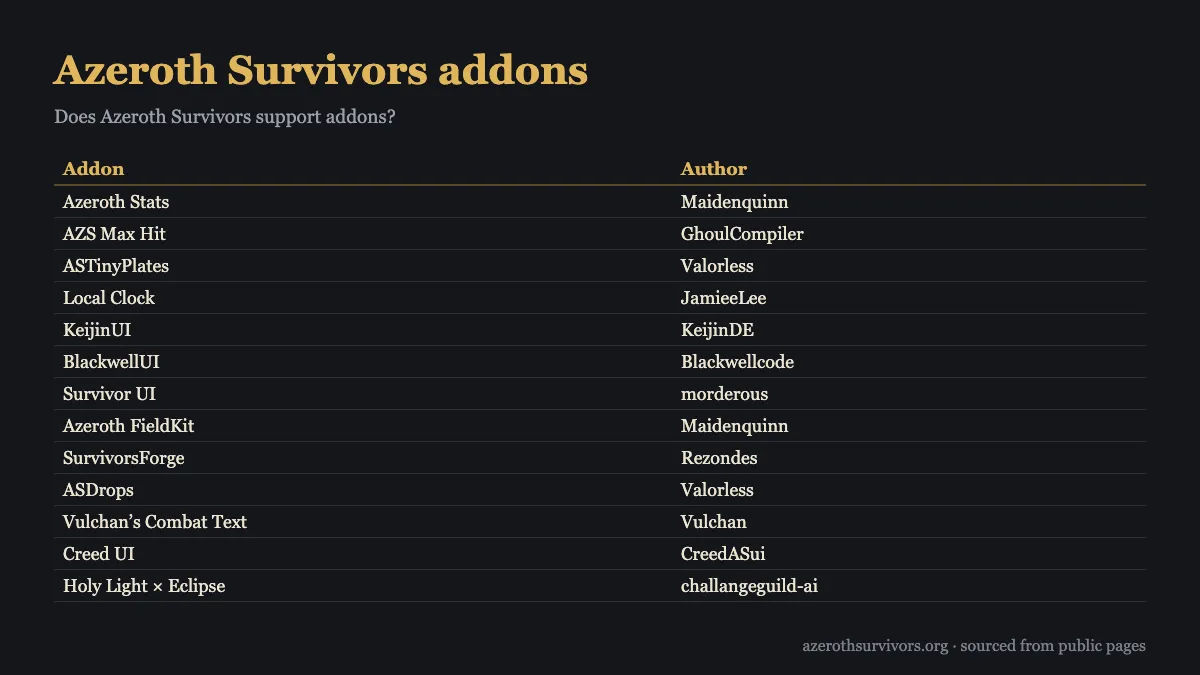
The directory gathers projects from different community authors, with options that cover several kinds of play. AZS Spell Meter by kex0 tracks kills per spell and includes a configurable DPS window, which defaults to the last 10 seconds. It can help you compare spell activity during a run without changing the game’s damage or loot.
SurvivorsDragonUi is another project, and its README describes browser installation through the ZIP picker in Options → AddOns. Its optional Windows auto-update DLL is separate: the addon ZIP itself is the addon. nfUI is listed as an Azeroth Survivors addon by nfmous.
Survivor UI and Survivor Plates are two fan-made interface addons. You can use either one or both, depending on what you want to change. They are fan-made and are not affiliated with the game or its author. Check each author’s project instructions because supported platforms and compatibility can differ.
| Addon | Author |
|---|---|
| Azeroth Stats | Maidenquinn |
| AZS Max Hit | GhoulCompiler |
| ASTinyPlates | Valorless |
| Local Clock | JamieeLee |
| KeijinUI | KeijinDE |
| BlackwellUI | Blackwellcode |
| Survivor UI | morderous |
| Azeroth FieldKit | Maidenquinn |
| SurvivorsForge | Rezondes |
| ASDrops | Valorless |
| Vulchan’s Combat Text | Vulchan |
| Creed UI | CreedASui |
| Holy Light × Eclipse | challangeguild-ai |
| ASBuilder | cadoky |
| Azerloot | Kindagrey |
| AZS Spell Meter | kex0 |
| TotemWatch | Hearts47 |
| EnemyCounter | Hearts47 |
| SurvivorsDragonUi | migwynkriid13 |
| nfUI | nfmous |
| Bordo UI | threenox |
| Move UI | JamieeLee |
| LuckyOdds | cadoky |
| BigCursor | JamieeLee |
| ECProbe | Hearts47 |
Treat the directory as a way to discover projects and authors. A listing means a project has permission to be published there; it does not certify every future release. For class-focused play, the site also has build guides that can be read alongside an addon’s own feature notes.
How do you install Azeroth Survivors addons?
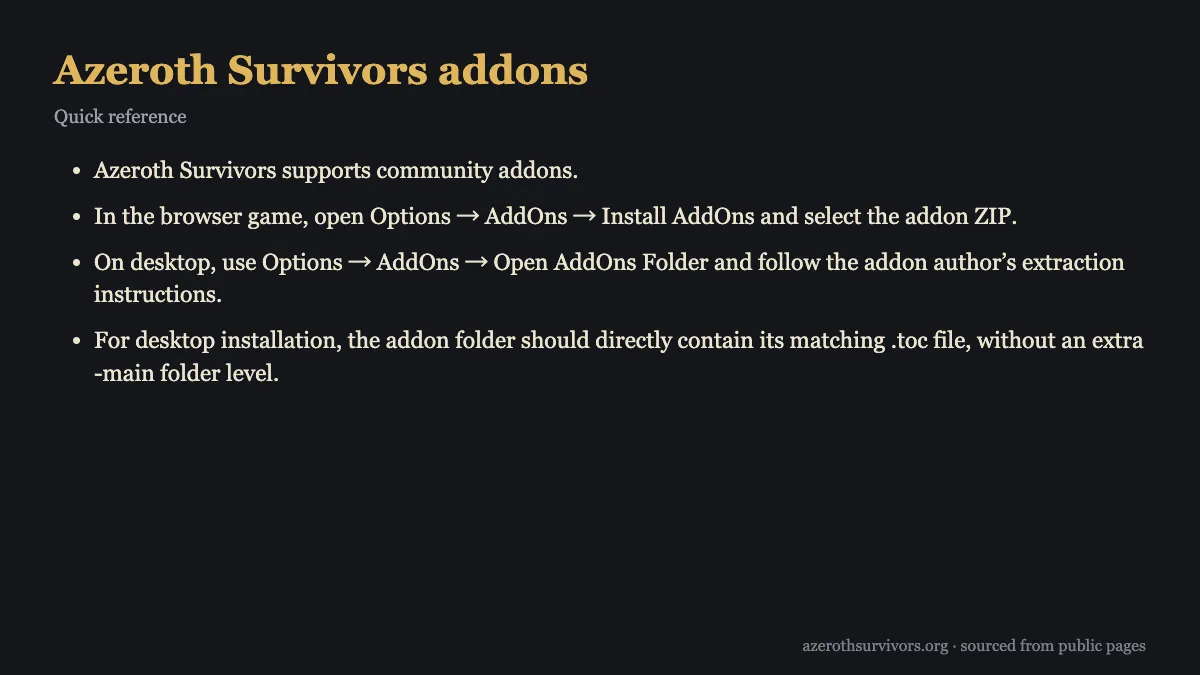
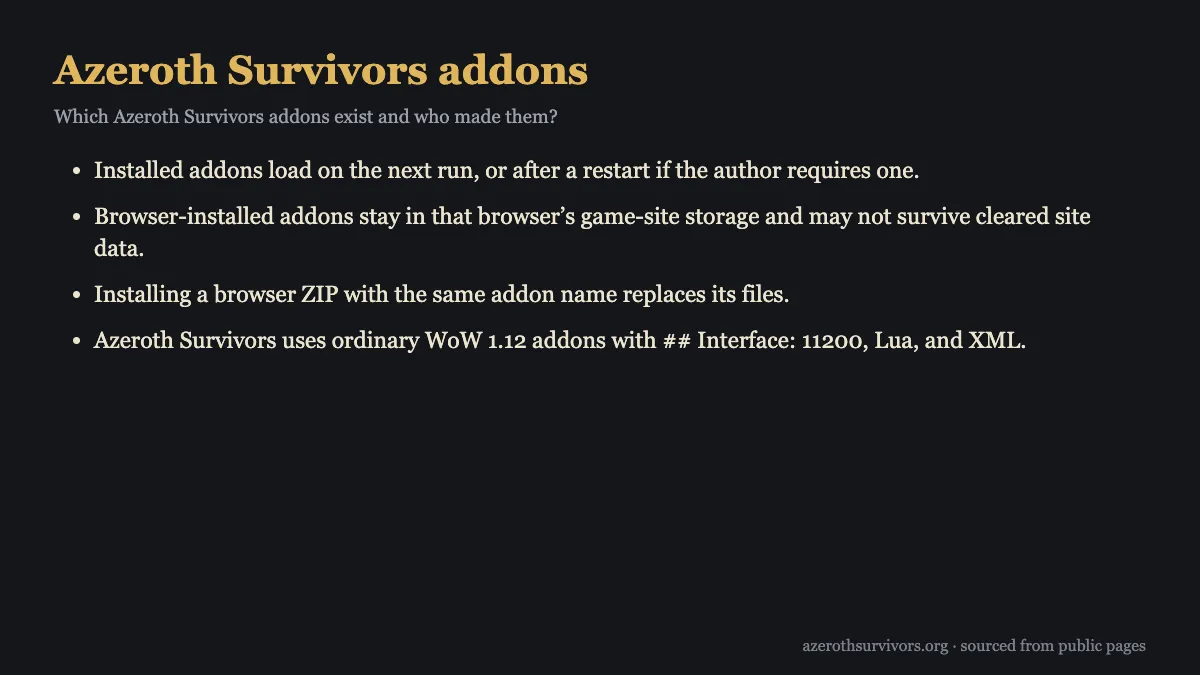
In the browser game, open Options → AddOns → Install AddOns and select the addon ZIP. Browser-installed files stay in that browser’s game-site storage, so clearing site data may remove them. If you install another browser ZIP with the same addon name, it replaces that addon’s files.
On desktop, open Options → AddOns → Open AddOns Folder, then follow the addon author’s extraction instructions. After extracting, check the folder layout: the addon folder should directly contain its matching .toc file. If the .toc sits inside an extra -main folder, the addon has an extra folder level and may not load as intended.
Installed addons load the next time you run the game. Some authors require a restart, so follow their instructions if they say to restart. For a browser install, SurvivorsDragonUi’s README specifically describes choosing its ZIP from the AddOns screen. For desktop projects, use the author’s extraction steps rather than assuming every archive has the same layout.
If you are new to the game’s controls and menus, the how to play guide provides a place to get oriented before adjusting your setup. Then use the addon’s own notes to confirm which platform it supports and whether it needs any additional installation step.
Are the CurseForge Survivors addons the same game?
No. CurseForge’s AzerothSurvivor is a World of Warcraft addon that recreates a survivor mode inside WoW. It is not an addon for the Azeroth Survivors browser game, so installing it will not change wow.aethus.pl.
The similar names can make search results confusing. Check the project description and intended game before choosing an addon. Projects for the browser game are listed as Azeroth Survivors addons and use the game’s addon setup. A WoW addon is intended to run inside World of Warcraft instead.
If you are looking for changes to the browser game’s display or run information, use a project whose author identifies it for Azeroth Survivors and check its supported platforms. The original game also has a built-in damage meter with Damage Done, Healing Done, Boss Damage, and Party DPS views. That built-in meter is available as part of the game, while community addons are separate projects.
The wiki is a useful starting point for other game references, and the zones guide covers another part of the game. Keeping the game and platform in mind helps you choose a project that matches the setup you actually use.
Are addons safe and allowed?
A server announcement reported by the Azeroth Survivors guide permits open-source third-party addons and launchers, while withholding support, endorsement, and safety or compatibility guarantees. That permission does not turn every release into a reviewed or certified project. The addon directory’s listing permission applies to publication, not to every future version.
For a safer choice, get addon files from the original author’s repository and check the supported versions and platforms. Follow the author’s installation notes, especially when extracting a desktop ZIP. The guide advises taking addon ZIPs from the linked author; an .exe is not an addon.
Addons can report run information, and the guide says their functions do not change damage, health, gold, or loot. The API documentation also limits addon data to the current run, so authors should check AZS_GetPhase() before using it. These details describe the API and the guide’s stated behavior, but they do not guarantee the safety or compatibility of every community project.
When comparing projects, review what each one says it does and which platforms it supports. An addon that changes the HUD may work differently from a combat meter or map helper, and compatibility varies by project. Use the author’s own instructions to decide whether a release matches your setup and expectations.
Azeroth Survivors Addons FAQ
Can I use addons in the browser version?
Yes. Open Options → AddOns → Install AddOns and select the addon ZIP. The files stay in that browser’s game-site storage and may be removed if you clear site data.
Do I need to restart after installing an addon?
Installed addons load on your next run. Follow the author’s instructions if they require a restart before the addon appears.
Why does my desktop addon folder contain a -main folder?
The addon folder should directly contain its matching .toc file. Follow the author’s extraction instructions and remove the extra folder level from the layout if the file is nested inside -main.
Can I use Survivor UI and Survivor Plates together?
Yes. Survivor UI and Survivor Plates are separate fan-made interface addons, and either or both can be used. Check each author’s instructions for compatibility details.
Are Azeroth Survivors addons guaranteed to be safe and compatible?
No guarantee is provided for safety or compatibility, and directory listings do not certify every future release. Get Azeroth Survivors addons from the original author’s repository and check supported versions and platforms.