Azeroth Survivors Wiki: Game Guide
Updated 2026-11-07
Version game build 077e7fb, data exported 2026-11-04
The Azeroth Survivors wiki is a reference for the playable classes and races, plus abilities, items, talents, passives, enemies, bosses, and zones. Use it to get familiar with the choices available before starting a run, then follow the topic pages when you want to focus on a class, build, or place in the game.
What Does the Azeroth Survivors Wiki Cover?
The Azeroth Survivors wiki brings the game’s main reference topics together. It covers the roster you choose from, the abilities and upgrades tied to play, the items and item sets you may want to learn about, and the enemies, bosses, and zones that make up the game. The counts below give you a sense of how much each topic contains.
| What | How many in the game data |
|---|---|
| Classes | 9 |
| Abilities | 115 |
| Races | 8 |
| Zones | 12 |
| Enemies | 148 |
| Bosses | 60 |
| Items | 208 |
| Item-sets | 47 |
| Passives | 22 |
| Talents | 345 |
Think of the page as a map for finding a subject, rather than a build that tells every player to make the same choices. If you already have a class in mind, the class guide is a useful next stop. For a broader look at how different choices compare, browse the tier list.
The roster has distinct styles, and the other reference topics add context around them. A class page can help you identify its defining strengths, while a talents or items page can help you recognize the names and categories you encounter. The wiki is most useful when you begin with a question and follow the matching topic.
Which Classes and Races Can You Play?
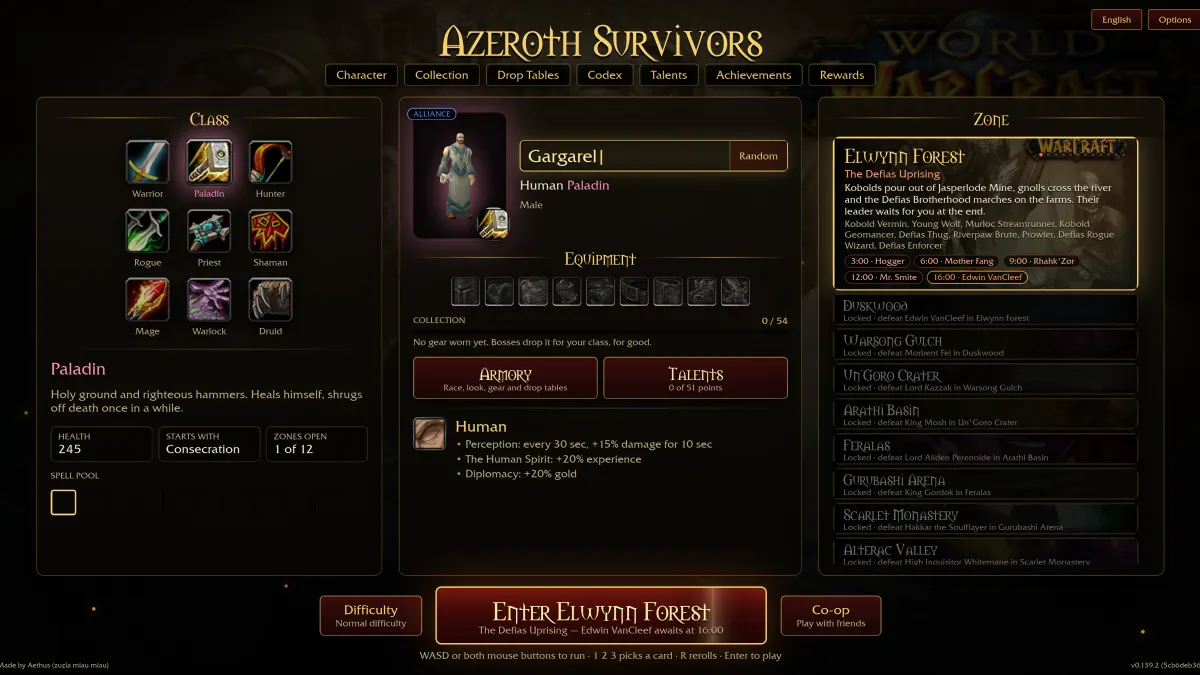
There are 9 classes and 8 races to choose from. Each class has a clear identity: some are built around close combat, others rely on range, healing, curses, storms, or wide area damage. The race list gives you the available names, while the class descriptions explain what makes each hero feel different.
- Warrior: Unstoppable in the thick of it, with huge health, cleaving swings, and fury fed by every kill.
- Paladin: Fights on holy ground with righteous hammers, self-healing, and an occasional reprieve from death.
- Hunter: Deals death from range with arrows, traps, and volleys, relying on keeping distance.
- Rogue: Fast, fragile, and lethal; the quickest hero, with critical hits that can delete elites.
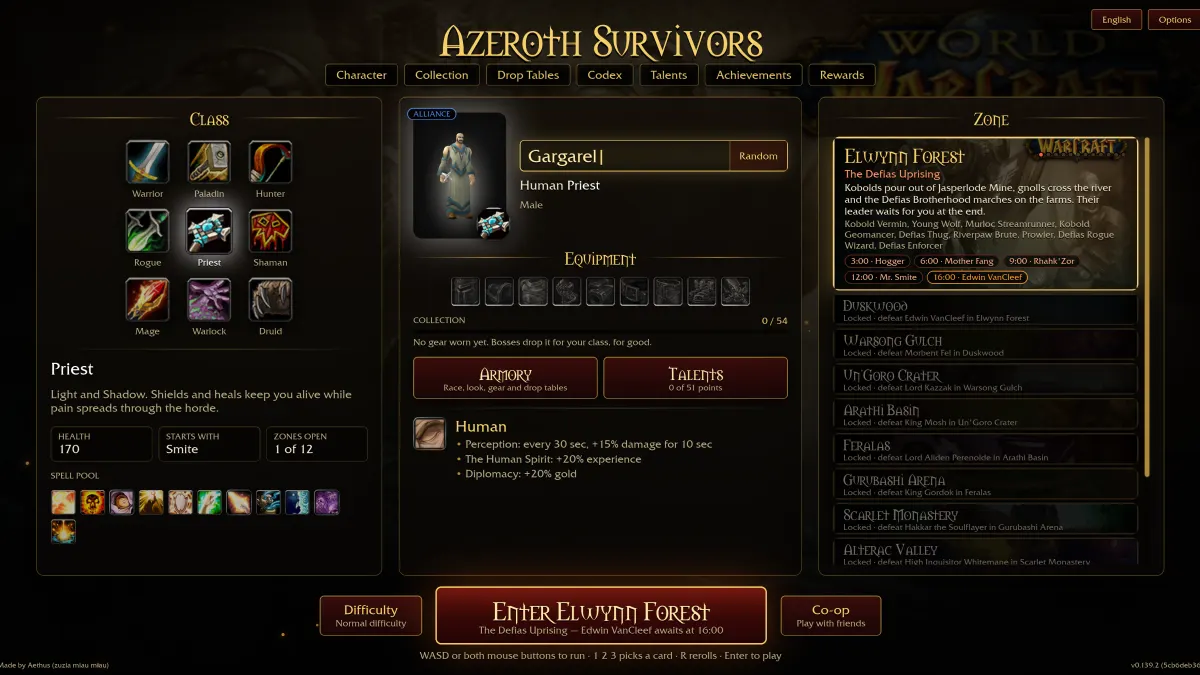
- Priest: Uses Light and Shadow, with shields and heals for survival while pain spreads through the horde.
- Shaman: Sends storms jumping from foe to foe and places totems that fight beside them.
- Mage: A glass cannon with the biggest area damage in Azeroth and nothing to hide behind.
- Warlock: Stacks curses and damage over time on everything that chases them.
- Druid: Mixes moon, storm, and growth with roots, hurricanes, and steady self-healing.
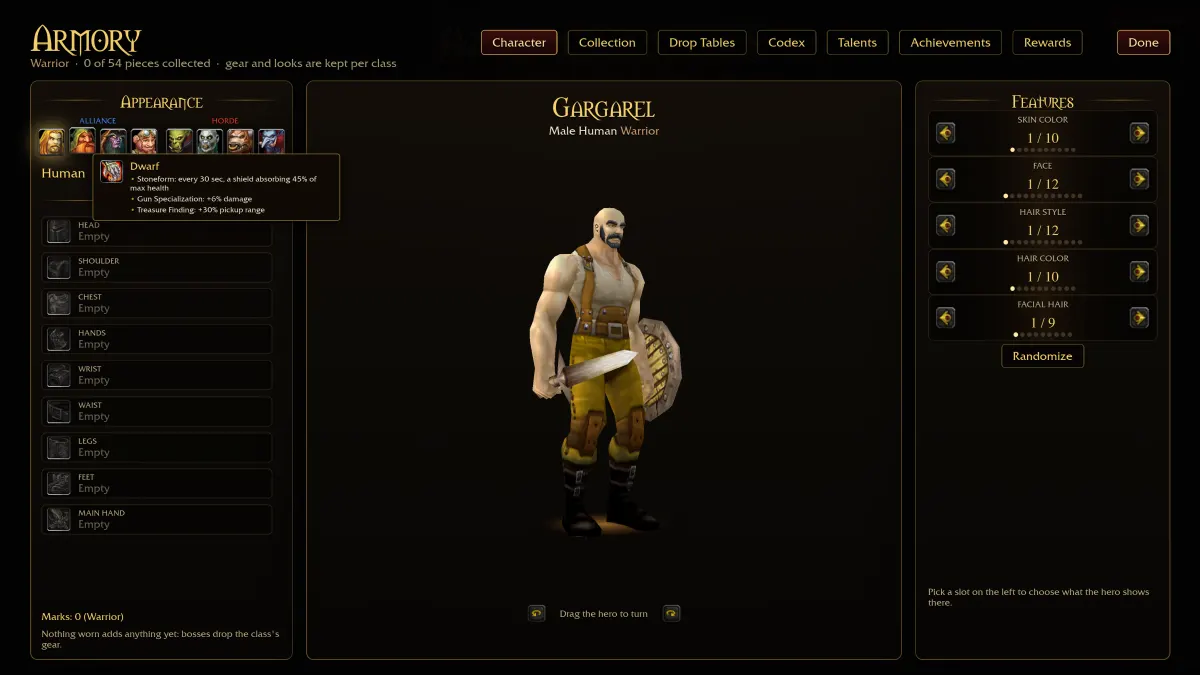
The playable races are Human, Orc, Dwarf, Night Elf, Undead, Tauren, Gnome, and Troll. When choosing a starting point, pick a class whose description sounds enjoyable, then use its dedicated guide to explore that play style. For example, compare the Mage build if area damage appeals, or the Druid build if roots and self-healing sound more your speed.
Class descriptions are a practical first filter, not a promise that every run will play out the same way. Choose a hero for the kind of action you want to try, and use the wiki’s other sections to get acquainted with its talents, passives, and equipment topics.
Where Does the Azeroth Survivors Wiki Explain Talents, Passives, and Item Sets?
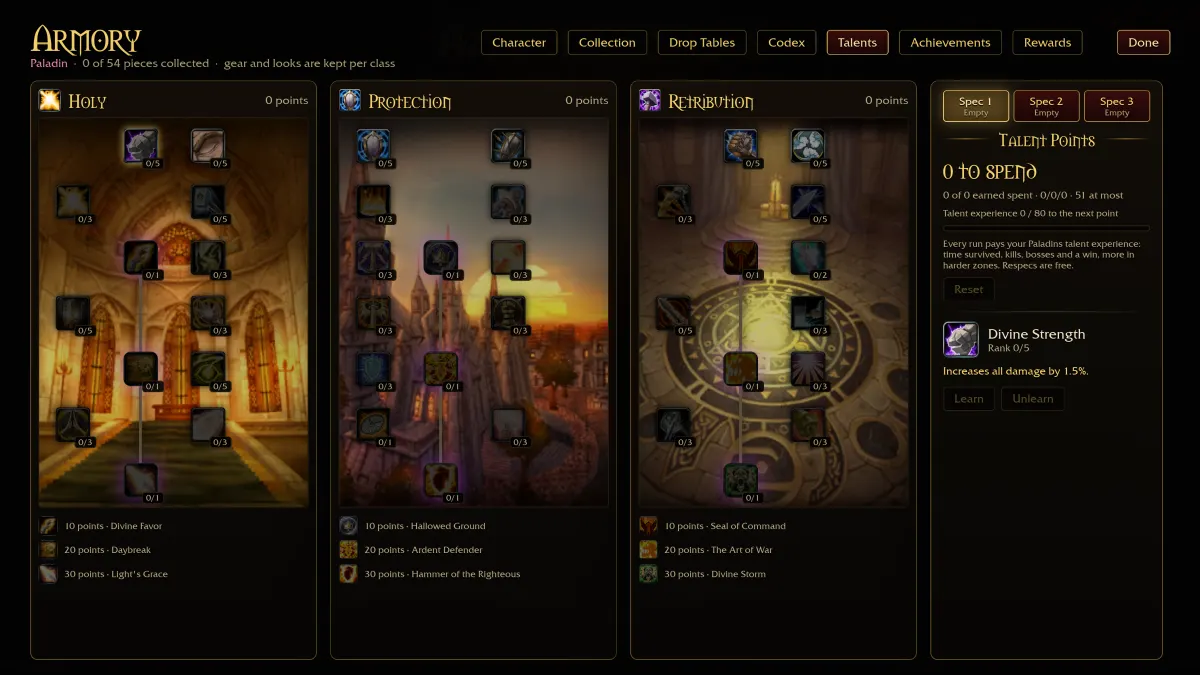
The Azeroth Survivors wiki separates these subjects into focused references. The talent page is the place to browse the game’s 345 talents, while the passives page covers 22 passives. For equipment collections, go to the item sets page; it covers the 47 item sets alongside the wider pool of 208 items.
Start with the category that matches the choice you are trying to understand. If you are looking through available upgrades, the talents reference keeps that topic together. To read about passive effects, open passives, and use item sets when you want to look at equipment groupings.
A useful way to browse
- Choose a class whose description fits the style you want to play.
- Open the talent or passive reference when you want to focus on that topic.
- Use the item sets reference to explore equipment collections and the broader item topic.
These pages help you recognize the available categories and follow up on a specific choice. Read them as references you can return to while exploring, rather than assuming one page describes every possible combination. The game has many talents and items, so narrowing your question to one category makes browsing easier.
The item cover points to the equipment reference and its related set topic.
Which Maps and Zones Are in the Game?
The game includes 12 zones, running from Elwynn Forest through to Naxxramas. The full list also includes battleground names, a mountain, a crater, and a monastery, so it is helpful to check the zone reference if you want the names in order. Use the zones page to browse the complete list.
- Elwynn Forest
- Duskwood
- Warsong Gulch
- Arathi Basin
- Feralas
- Gurubashi Arena
- Alterac Valley
- Blackrock Mountain
- Gates of Ahn'Qiraj
- Un'Goro Crater
- Scarlet Monastery
- Naxxramas
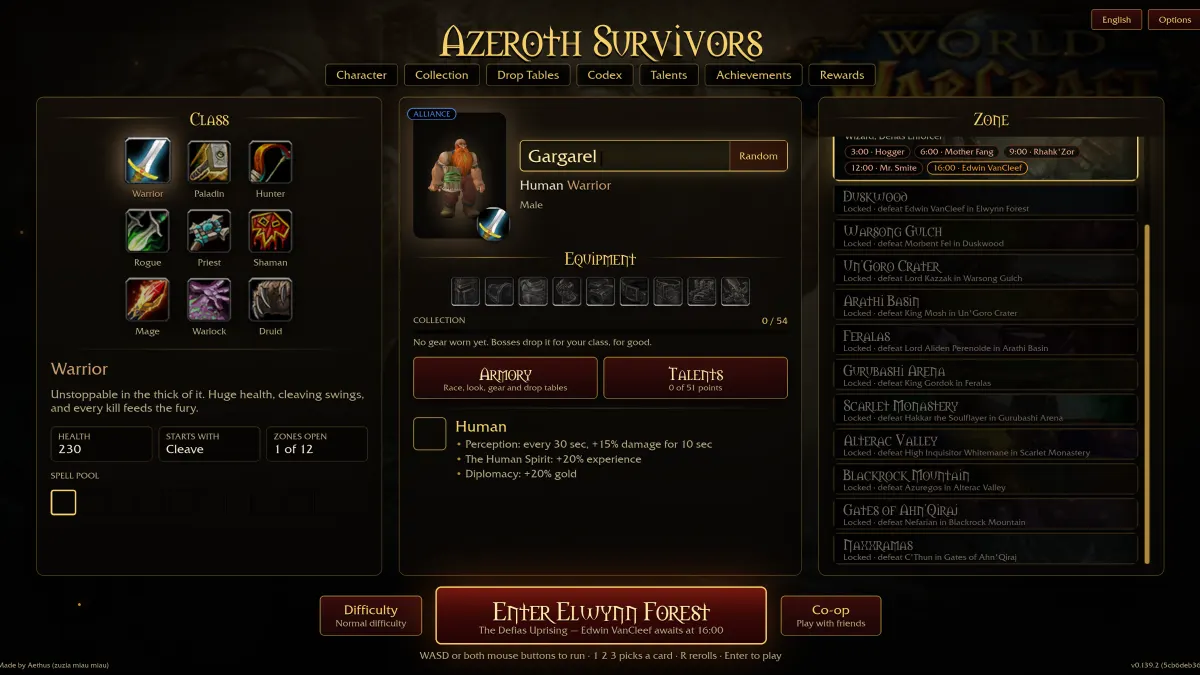
Each name is a useful anchor when you are checking where a run takes place or trying to remember a location. This reference sticks to the zone names and their order, so you can scan the whole list without mixing it up with class, talent, or equipment information.
The zones cover introduces the guide to the game’s locations.
Keep the zone list nearby as a simple index. Once you recognize a location name, you can use it to orient yourself when reading about the game or planning which area you want to visit.
How Should You Use the Azeroth Survivors Wiki Before a Run?
Before a run, start with the choice that matters most to you: a class, a race, or a zone. Read the short class descriptions to find a play style, check the roster for the race names, and scan the zone list if you want to get familiar with the locations. This keeps preparation focused instead of sending you through every topic at once.
A simple pre-run route
- Pick a class based on its listed strengths and style.
- Look up talents or passives if you want to explore those references.
- Browse items and item sets when equipment is your focus.
- Check the zone list to refresh the location names.
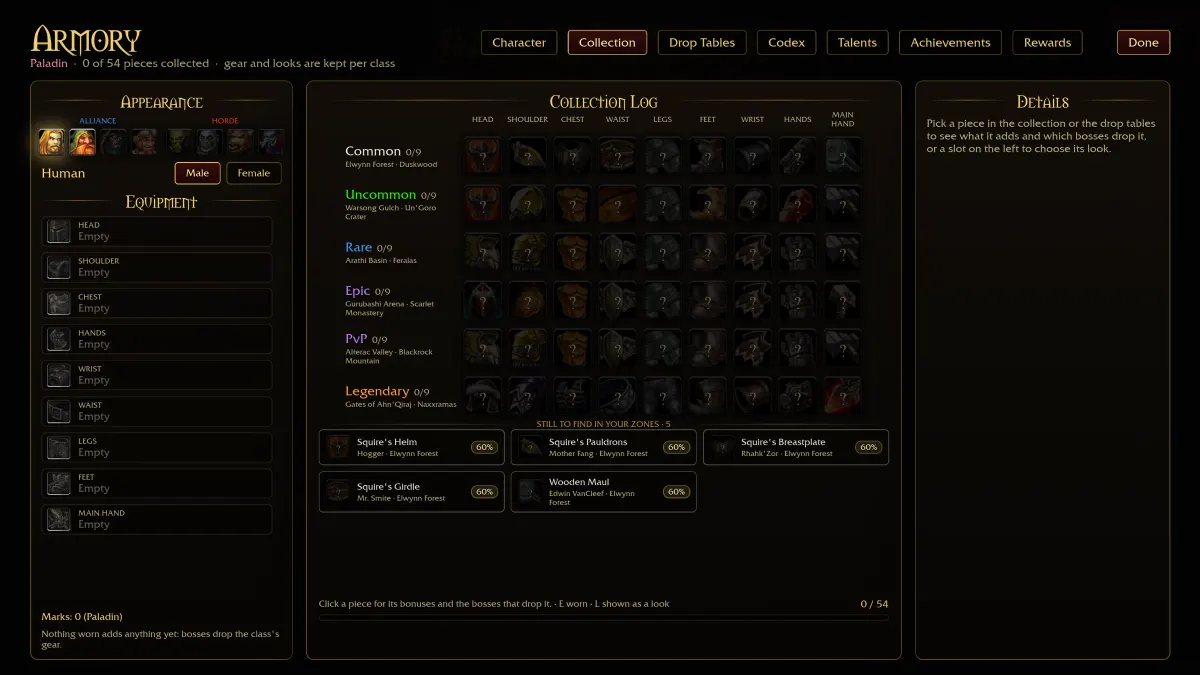
The Warrior build and Hunter build pages are two starting points if you want to compare close combat with ranged play. You can also return to the wiki’s class, talent, passive, item set, and zone references as questions come up. Treat each page as a focused guide to its subject, then use the class descriptions to keep your choices grounded in the play style you want.
A short review is enough to make the references useful: choose a topic, read the relevant page, and keep the rest for later. The Azeroth Survivors wiki is a handy index when you want to check a roster, recognize a category, or find a zone name without losing sight of your next run.
Azeroth Survivors Wiki FAQ
What does the Azeroth Survivors wiki cover?
It covers the playable classes and races, plus abilities, items, item sets, passives, talents, enemies, bosses, and zones. Use the topic that matches the question you have before a run.
How many classes and races are available?
There are 9 classes and 8 races. The class descriptions outline each hero’s style, while the race reference provides the full list of names.
Where should I look for talents and passives?
Use the dedicated talents and passives references to browse those topics. The wiki lists 345 talents and 22 passives.
Can I find all the zone names in one place?
Yes, the zones reference lists all 12 zones in order, from Elwynn Forest to Naxxramas. It is a quick way to check the location names.
What should I check before starting a run?
Pick a class that suits the style you want, then check the relevant talent, passive, item set, or zone reference. The Azeroth Survivors wiki makes it easy to return to each topic as needed.
Data: the game's own English language table inside the browser build (wenilla_bg.wasm).
Sources
- Azeroth Survivors, playable in the browser
- wenilla engine, the open-source client this build runs on
- wenilla engine: browser client source (web/)
- benilla, the open-source engine behind the browser build
- benilla README: what the open-source client is and how it is built
- benilla app source tree (client and game modes)